Search by phone or name
If the customer has bought before, the consultant finds them and carries on with the existing record.
Individual or company, known customer or anonymous: what data to ask the consultant to enter and how to avoid duplicates in the ERP system.
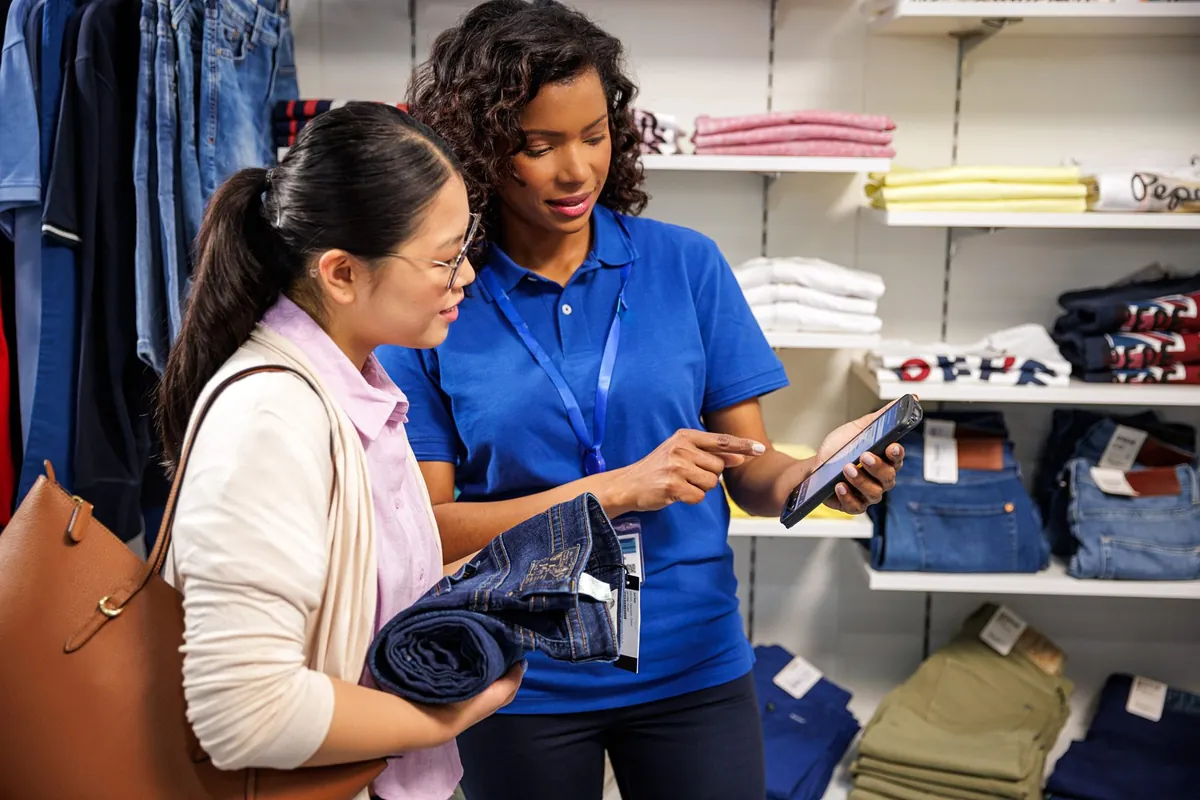
In showroom customer order management, the consultant's first question is not "what do you need?" but "who do I put this order under?". Someone buying for their home and a company that needs an invoice require different data, and a wrong or duplicated record in the ERP gets paid for later at invoicing. In a showroom that handles sales properly, picking the customer takes seconds, right on the consultant's terminal, and whatever is entered there must reach the ERP system correctly. Below are the three usual situations and the rule that ties them together.
An ordinary shopper does not want to dictate half a page of details. The terminal offers three routes:
If the customer has bought before, the consultant finds them and carries on with the existing record.
If there is none, the record is created during the conversation, with only the data that is needed.
The customer prefers not to introduce themselves: the order is created with its code only, and the cashier finds it by that code.
On the customer screen the name can be shown in short form, for example "Ion R.", so an individual's full name is not on display in the showroom. See the TV order board.
For a legal entity the data is picked, not typed by hand:
That way the consultant does not mistype a fiscal code or waste time on fields. If the company already exists in the ERP, they select the existing record instead of creating a new one.
Duplicates usually come from two causes: somebody else retypes the order, or a customer record is created without searching first. The fix comes down to three simple rules:
Phone or name for an individual, name or fiscal code for a company.
For companies, from the ERP or a public registry, not from the keyboard.
After it is created, the order reaches the ERP through web services or JSON, with no retyping.
The mechanism is covered in an order without double entry and on the page about ERP integration.
Whatever the customer type, the order has a short unique code printed on the spot. At the till the cashier scans or types it, items and prices load, and payment is by cash, card or from an advance. What the code looks like and why it does not get lost is in the article on the pickup code, and the payment path is on the checkout and payment page.
| Situation (example) | What the consultant picks | Result |
|---|---|---|
| A couple choose bathroom materials and prefer not to give details | An order with no data | The order carries only its code, and the cashier finds it by that code |
| A returning customer who has bought before | Search by phone or name | The order links to the existing record, and no new one is created |
| An entrepreneur buys for their company | Search by name or fiscal code | Data comes from the ERP or the registry, and the invoice type is chosen on the order |
These cases are illustrative: they only show that the same order is created just as quickly in all three, and that what differs is the data attached. If you are preparing consultant training, it is worth rehearsing exactly these three scenarios on the terminal, a few minutes each, before launch. Read more on preparing the team in how we implement the solution.
Run these five questions on the consultant terminal during a demo.
From the sample on the floor to the ERP order: what is scanned, what the consultant sees, where errors usually creep in and how to avoid them.
Read more →Ten questions to put to any vendor before you choose showroom software: from the sample to the till, with the ERP system and the customer screen in between.
Read more →Built-in scanner, battery for a full shift, screen, ruggedness: what to choose for showroom consultants, a terminal, a tablet or a phone.
Read more →A 30-minute conversation about your real showroom and warehouse processes, with no generic slides.