The warehouse picks, the ERP confirms, the customer sees
A showroom order reaches the warehouse without phone calls or paperwork, gets picked, and the confirmation comes from the ERP straight to the customer's screen.

For a distributor, a warehouse management system and showroom selling are two sides of the same order: the consultant sells from samples while the goods sit in the warehouse. The "Customer orders in the showroom" module links the two and is part of our WMS solutions. If you are looking for order picking software that connects to selling on the showroom floor, this page shows how the warehouse side behaves.
Stock by warehouse, visible from the showroom
Before an order reaches the warehouse it has to be realistic. So the consultant sees stock by warehouse on the mobile terminal: what is in the showroom, in the central warehouse and in the other warehouses. There is no need to phone the warehouse to find out whether an item exists. More on this in the article on stock by warehouse.
The order is in the warehouse right away
After the order is issued, it goes to the ERP and then follows the usual warehouse flow. The point of the setup is that nobody retypes the order between the showroom and the shelf: the warehouse gets the same products, the same quantities and the same pickup code the customer saw. The ERP link is described on the ERP integration page.
Picking and the "Picked" signal
When the order is ready, the ERP sends the "Picked" signal on its own. Nobody has to call the till or write a message:
- The picking time is stored in the order
- The stage turns yellow on the showroom screen within a second or two
- The customer sees that they can go to the till
- The till sees the order in the list of orders ready for release
This way order picking is no longer a black box for the rest of the company: anyone, from the consultant to the manager, can see where each order stands.
Documents for the warehouse
For orders that need paper documents, a print task appears on the terminal right after picking. One action on the terminal and the document set prints on the printer defined in the ERP. If needed, documents are reprinted from the order card or from the terminal, by code or from the day's order list, and every print and reprint stays in the log: who, when and with what result. No print task is created for an electronic waybill.
Equipment for the warehouse
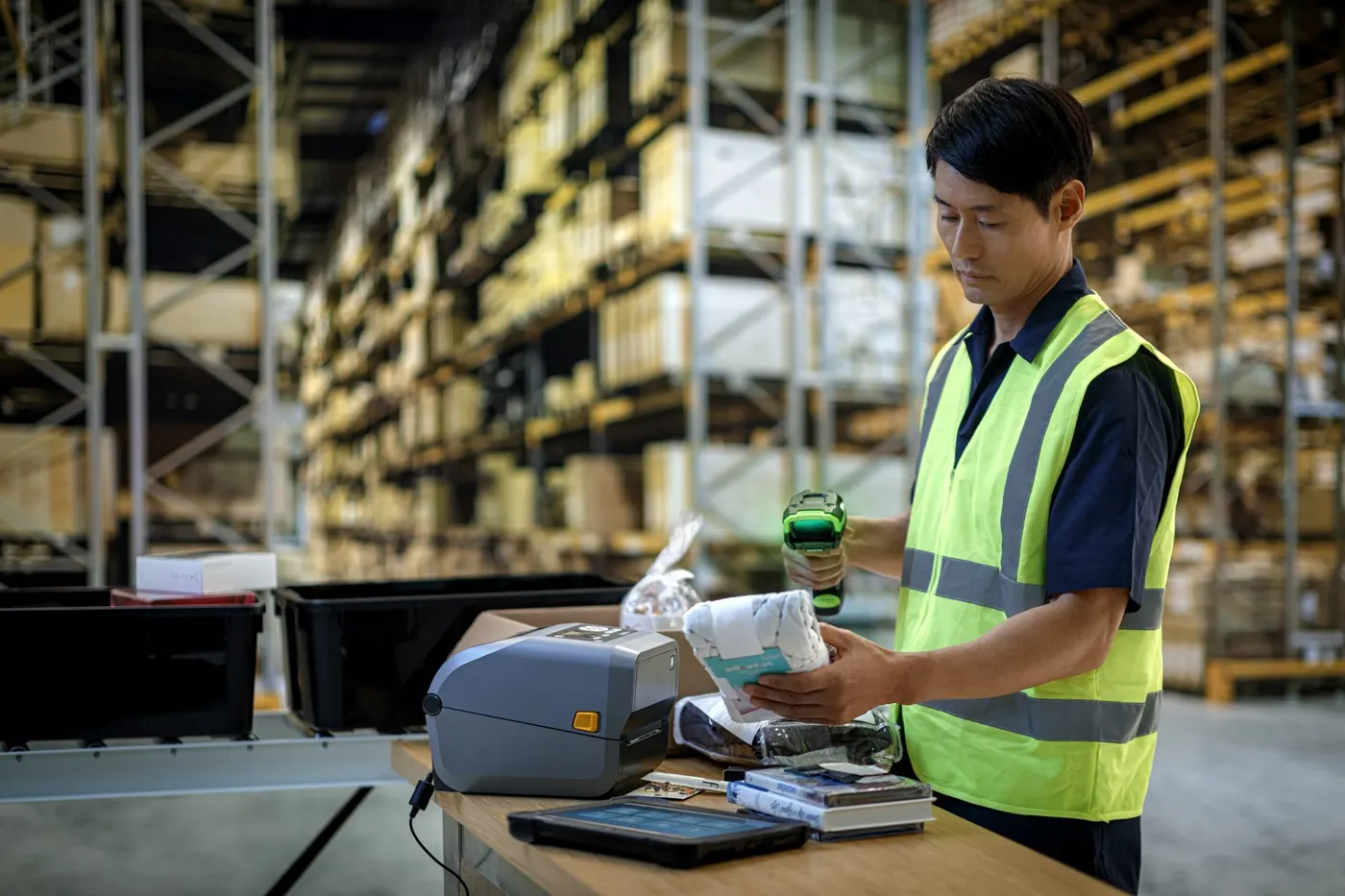
Warehouse work relies on mobile terminals with a scanner and, where needed, on mobile or desktop printers for slips and labels. Recommendations are collected on the Equipment page. For the WMS mobile module in general, see wms.md; for the full WMS solution, see wms.md.
Read next
See the solution on your own order flow
A 30-minute conversation about your real showroom and warehouse processes, with no generic slides.