Find the product
Scan the sample or price tag, or search by name.
Scan, check stock by warehouse, pick the customer, create the order and print the pickup code: the consultant does it all on one device, beside the customer.

A mobile terminal for sales staff changes the pace of a showroom: the consultant no longer walks to a desk to write the order down or phones the warehouse to check stock. In our solution the terminal runs the consultant's app, which covers a complete order from scanning the sample to the printed code. This showroom sales app is part of the customer orders in the showroom module, in effect a compact mobile POS for retail counters that also need the warehouse and the ERP system.
Scan the sample or price tag, or search by name.
Showroom and other warehouses on the same screen.
In the right unit: square metres, pieces or packs.
A private customer by phone or name, or created on the spot; a company by name or fiscal code.
The order gets a short, unique code and goes to the ERP system by itself.
With a barcode, on the showroom printer or a mobile one.
A consultant scans many times a day and works on their feet. That makes a built-in scanner, a battery that lasts a shift and a body built for heavy use important. We covered the choice between terminal, tablet and phone separately: terminal or tablet.
For consultants we recommend Zebra terminals from the TC22, TC27, TC53e and TC58e series. TC22 and TC27 are the budget and base options; TC53e and TC58e belong to the higher series, and the choice depends on budget and connectivity. For the TC22, for example, the product card lists Wi-Fi 6E, a 6-inch screen, a 1D/2D scanner and IP68/IP65 protection. Always check exact specifications on the product cards: Zebra TC22 / TC27 mobile terminal, TC27, TC53e and TC58e.
There is no single "right" model. The choice depends on budget, the number of workstations and the network in the showroom. We can help you decide during the demo.
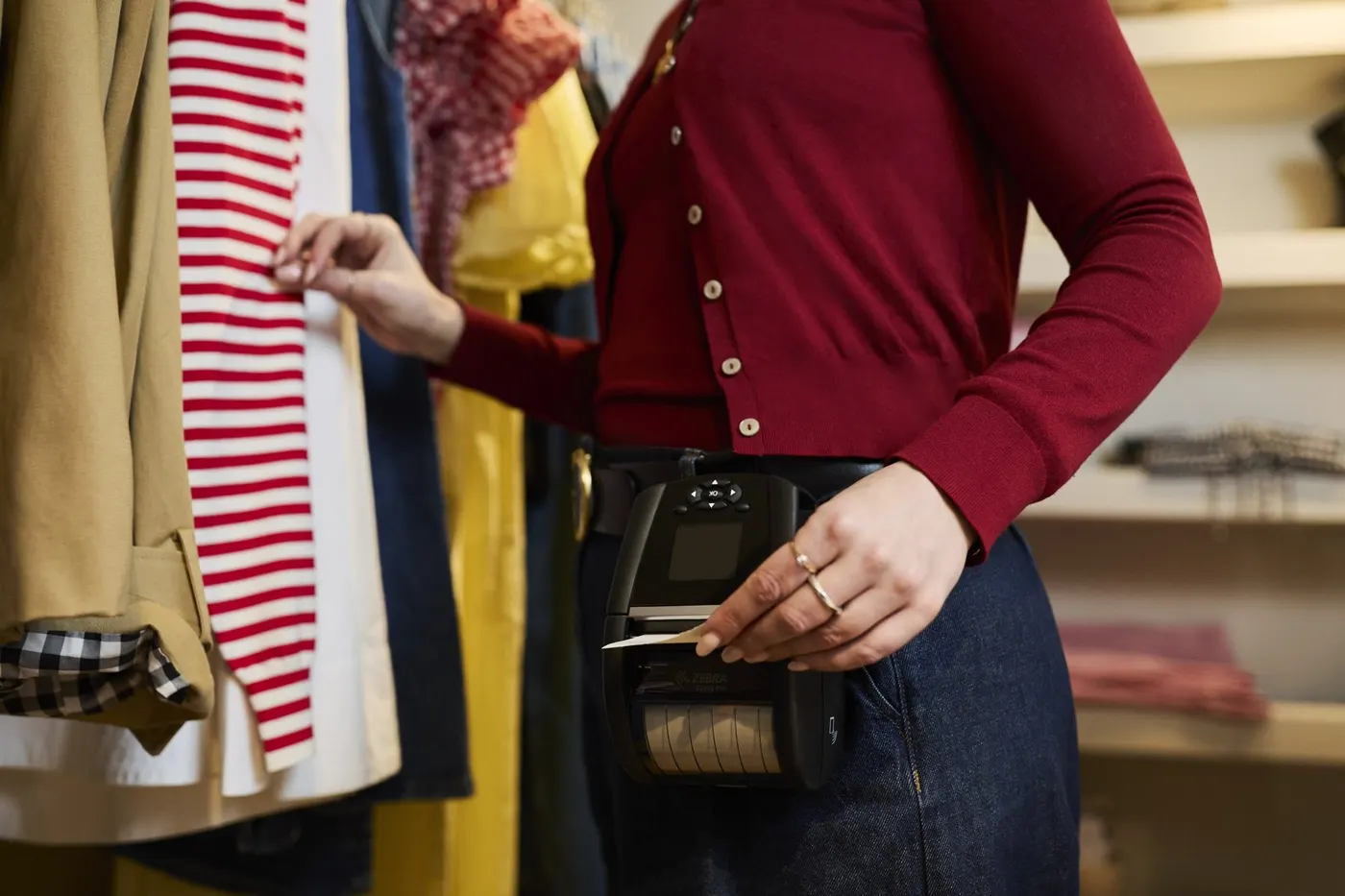
The pickup code can be printed on the spot on a mobile printer that the consultant carries. The equipment guide, printers included, is on the recommended equipment page. The code itself is explained in the article on the pickup code.
The terminal covers only the first part of the journey. The order reaches the ERP system automatically, the warehouse picks it, and the customer follows the stage on the screen in the showroom. Then at the till the code becomes a fiscal receipt. For a wider look at terminals in retail, read terminal or smartphone and the retail terminals section.
A 30-minute conversation about your real showroom and warehouse processes, with no generic slides.