Private customer
Search by phone or name, create a new customer on the spot, or leave the order without details and keep just the code.
Samples are on the floor, the goods are in the warehouse. The consultant scans the sample or price tag and creates the customer's order on the spot.
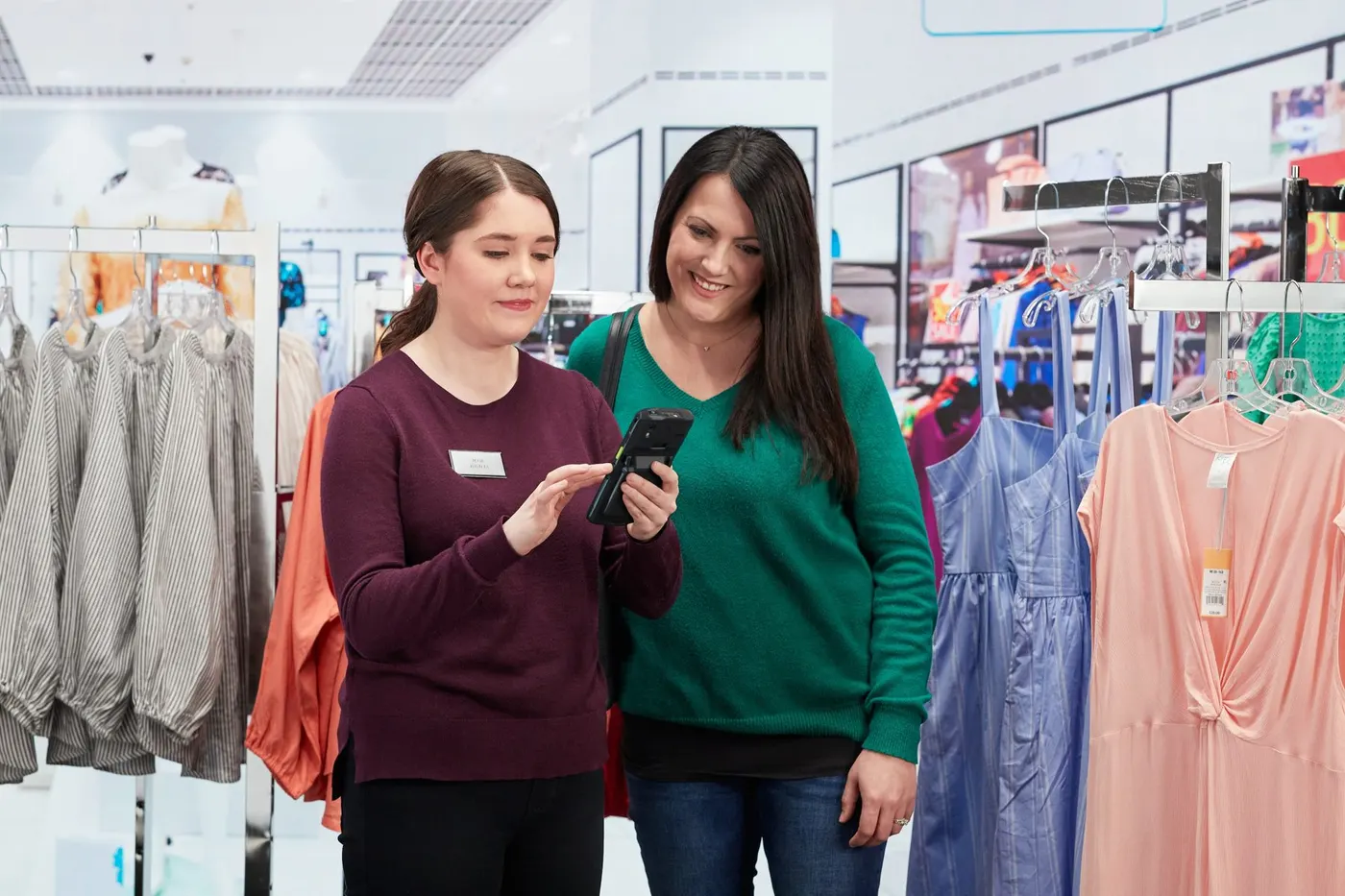
In a distributor's showroom the customer does not walk out with the product: samples stand on the shelves while the goods wait in the warehouse. That makes sample-based sales a different job from a regular shop. The customer orders module works as showroom order management: the consultant scans a sample and creates the order on the spot, with no paper and no re-typing. This showroom sales app then moves the order along by itself.
The consultant does not pick anything off the shelf. They work with a mobile terminal beside the customer:
The sample or the price tag. If the tag is missing, search by product name.
Stock from the warehouses appears at once, with no phone call.
In the unit that suits the product: square metres, pieces or packs.
Without leaving the shelf and without paper.
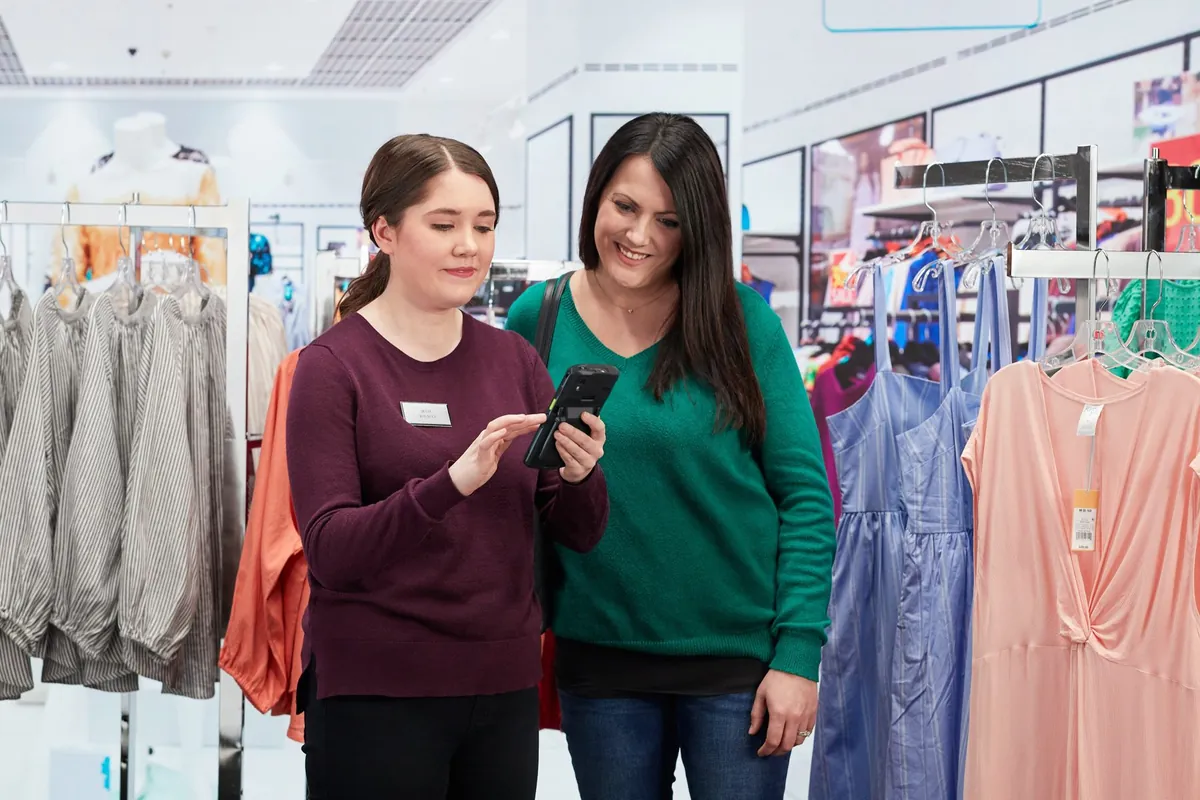
On the same screen the consultant sees the price and the stock by warehouse. The customer gets a concrete answer right at the shelf: what is available now and where the goods are. For how to read availability, see the article on stock by warehouse in the showroom.
The order is linked to the customer on the terminal, with no repeated questions.
Search by phone or name, create a new customer on the spot, or leave the order without details and keep just the code.
Search by name or fiscal code; details come from the ERP system or a public register; the invoice type is chosen when the order is placed.
How the two cases differ is covered in private customer or company at order time.
When the order is issued it gets a short, unique code. On request it is printed at once with a barcode, on the showroom printer or a mobile one. The order goes to the ERP system automatically, through web services or JSON. The warehouse then picks it, the customer sees the code on the customer status screen, and at the till the code is scanned or typed in (see till and payment).
The price tag and codes in our examples are illustrative. In real use, the data comes from the company's ERP system.
For scanning and printing on the spot, a mobile terminal with a built-in scanner fits well, plus a mobile printer when needed. Details are on the page about the consultant's mobile terminal, and recommended models are listed under equipment. For a wider view of order taking with mobile terminals, see terminals for retail.
A 30-minute conversation about your real showroom and warehouse processes, with no generic slides.