ERP and showroom: orders move without double entry
An order built in the showroom goes straight to the company ERP, and picking and payment statuses come back on their own. Nobody retypes anything.
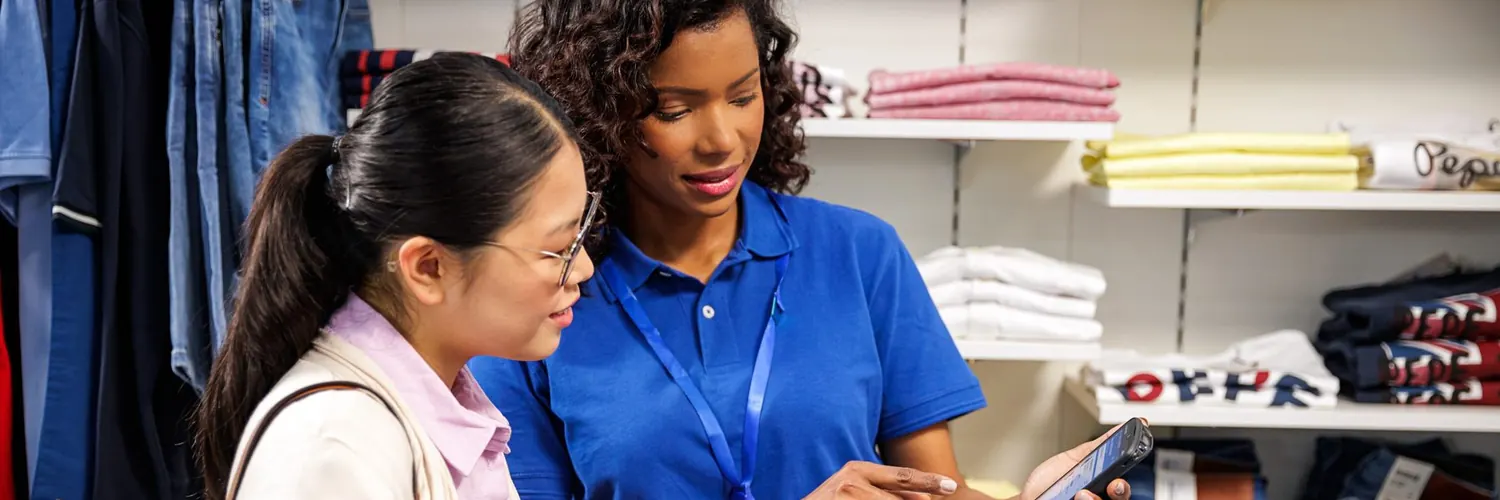
Showroom ERP integration has one practical goal: the order data reaches your accounting system immediately and without mistakes. In many showrooms the order is jotted down on paper, someone retypes it later, and the payment only shows up in the books at the end of the day. With automatic customer order management in the ERP, that step disappears: an order issued on the consultant's terminal is sent to the ERP system at once, with no manual re-entry.
This page covers what goes to the ERP, what comes back, and what happens when the connection drops. For the big picture of the solution, start with the home page.
What goes to the ERP
Right after the order is issued, it reaches the ERP in full:
- The customer: an individual or a company, with the invoice type chosen at order time
- The products, with quantities in the right unit (square metres, pieces, packs)
- The warehouse the goods will be prepared from
- The pickup code, the same one printed on the slip, used at the till and shown on the screen
This kind of sales order management does not ask you to replace your accounting system: the module connects to the ERP you already have. The link runs over web services or JSON, depending on what your system supports; details are settled at the demo, on your own data (request a demo).
Two ways of working
When the order enters the ERP depends on the scenario you choose. The choice is made at implementation and can be changed later in settings.
| Scenario | Fits when | Order path |
|---|---|---|
| A. Payment, then ERP | goods are taken straight from the showroom | Order → payment at the till → the paid order enters the ERP |
| B. ERP, picking, payment | goods are prepared in the warehouse | Order → ERP → picked → payment at the till → payment status in the ERP |
For the difference explained with examples, see the guide to payment modes.
What comes back from the ERP
In scenario B the warehouse prepares the goods and the ERP itself sends the "Picked" signal. The picking time is stored in the order, and the customer sees on the screen that it is time to go to the till. If paper documents are needed, a print task appears on the warehouse terminal; no print task is created for an electronic waybill. The warehouse side is covered on the Warehouse page.
Payment goes back to the ERP
At the till, the order code is scanned or typed, and products and prices load automatically. After payment (cash, card, or from a previously paid advance) and the fiscal receipt, the module sends the ERP:
- The amount and the form of payment
- The fiscal receipt data
- Where needed, the external accounting code set in the till settings
The ERP closes the order and the accounting team sees the payment right away. The till steps are described on the Checkout and payment page.
When the ERP does not respond
ERP systems have maintenance windows and network hiccups, so sending is retried automatically until the order is accepted. Every exchange stays in the exchange log, which means "did the order arrive or not?" has an exact answer. An illustrative example:
| Event | Result |
|---|---|
| Order → ERP | Received |
| ERP → "Picked" | Accepted |
| Payment → ERP | Received |
| Order → ERP while the ERP is down | Retried automatically |
You can also read about our integrations with external systems in general on wms.md.
Read next
See the solution on your own order flow
A 30-minute conversation about your real showroom and warehouse processes, with no generic slides.