The customer waits in the dark
They cannot see whether their goods are ready and ask at the till again and again.
The consultant builds the order on a mobile terminal, it goes to the ERP system on its own, the warehouse picks it, and the customer pays at the till with a short code.
Looking for showroom software that ties selling to the warehouse, the till and your ERP system? The "Customer orders in the showroom" module is a showroom management system for distributors who display samples while the goods themselves sit in the warehouse. It covers the process from the first scan to the fiscal receipt, with no paper and no re-typing.
The order is taken beside the customer, on the consultant's terminal. From that moment it moves forward by itself.
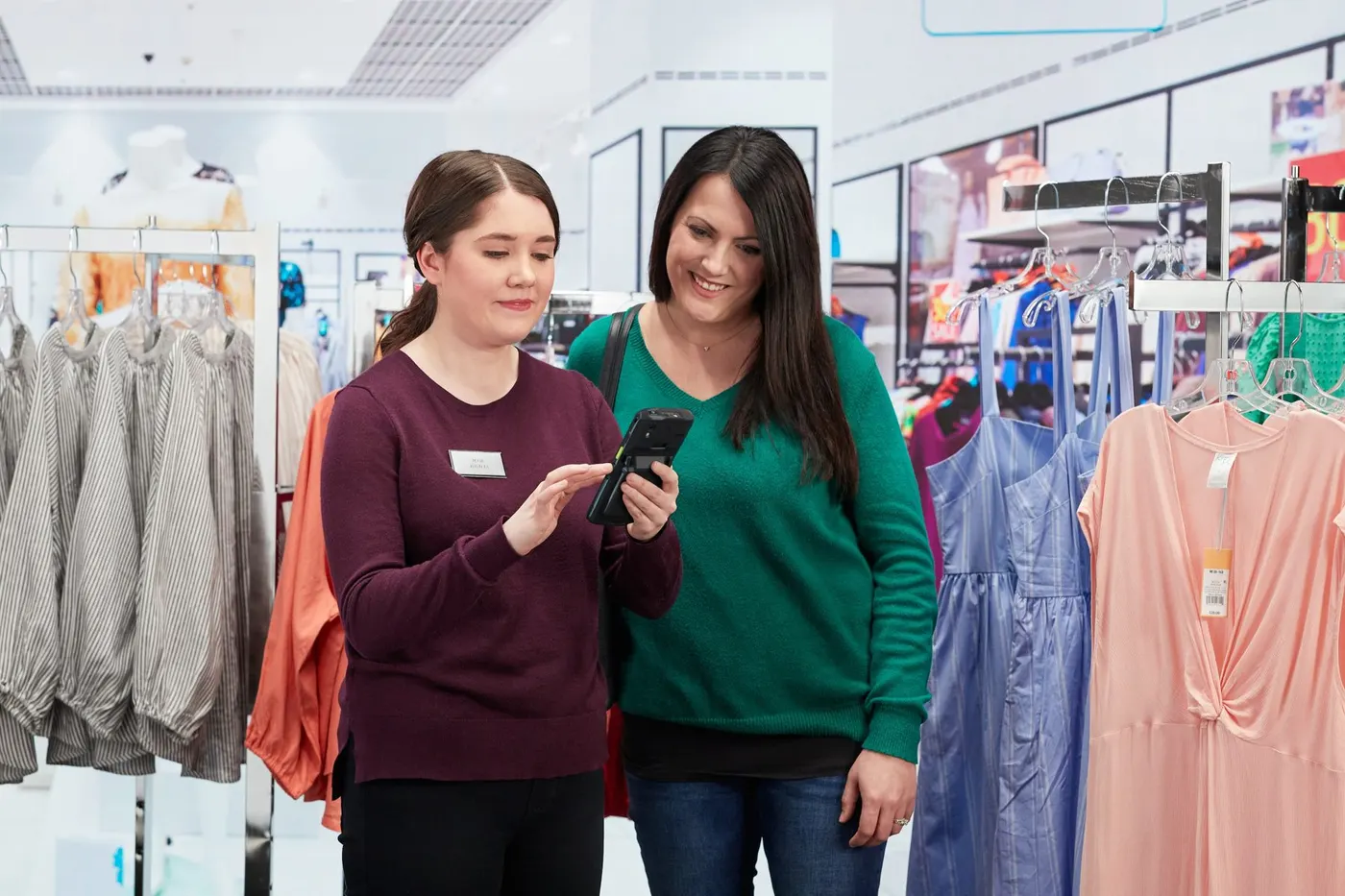
The consultant builds it with the customer on a mobile terminal.
It goes to the ERP system on its own, with no re-entry.
The warehouse prepares the goods and picking is confirmed automatically.
The customer sees the code and a message that they can go to the till.
The order code turns into a fiscal receipt, nothing to look up.
The payment status returns to the ERP system automatically.
Four situations every distributor with a showroom will recognise:
They cannot see whether their goods are ready and ask at the till again and again.
The consultant notes it down, then someone re-enters it in the ERP system, and mistakes creep in.
The till does not know what has been picked, and the warehouse does not know what has been paid.
Orders and payments reach accounting late, sometimes only at the end of the day.
Knows when to pay and collect the goods.
Showroom orders without paper or re-entry.
Gets the order at once, with documents on time.
One code, one receipt. No searching, no mistakes.
Every order with its stage and history.
How the consultant scans a sample and what the terminal shows. Open.
The whole order flow on one device. Open.
Code, name and order stage on a TV. Open.
The code becomes a receipt and payment goes back to ERP. Open.
Automatic transfer, retry and an exchange log. Open.
Terminals, printers and scanners. Open.
If you also care about the warehouse side of the wider WMS solution, read about showroom orders on wms.md.
Together we walk an order from the showroom to the till.
"Payment, then ERP" or "ERP, picking, payment", depending on how you work.
Through web services or JSON, depending on what your ERP system supports.
A TV connected in a few minutes.
Request a demo and see for yourself how an order travels from the showroom to the till. Common questions are answered on the FAQ page.
A 30-minute conversation about your real showroom and warehouse processes, with no generic slides.