Transcription errors
A wrong code, or a quantity in the wrong unit (square metres instead of packs), and the warehouse prepares something other than what the customer asked for.
Where double entry creeps into a showroom, why it costs more than time, and what a flow looks like when the order reaches the ERP just once, straight from the consultant.
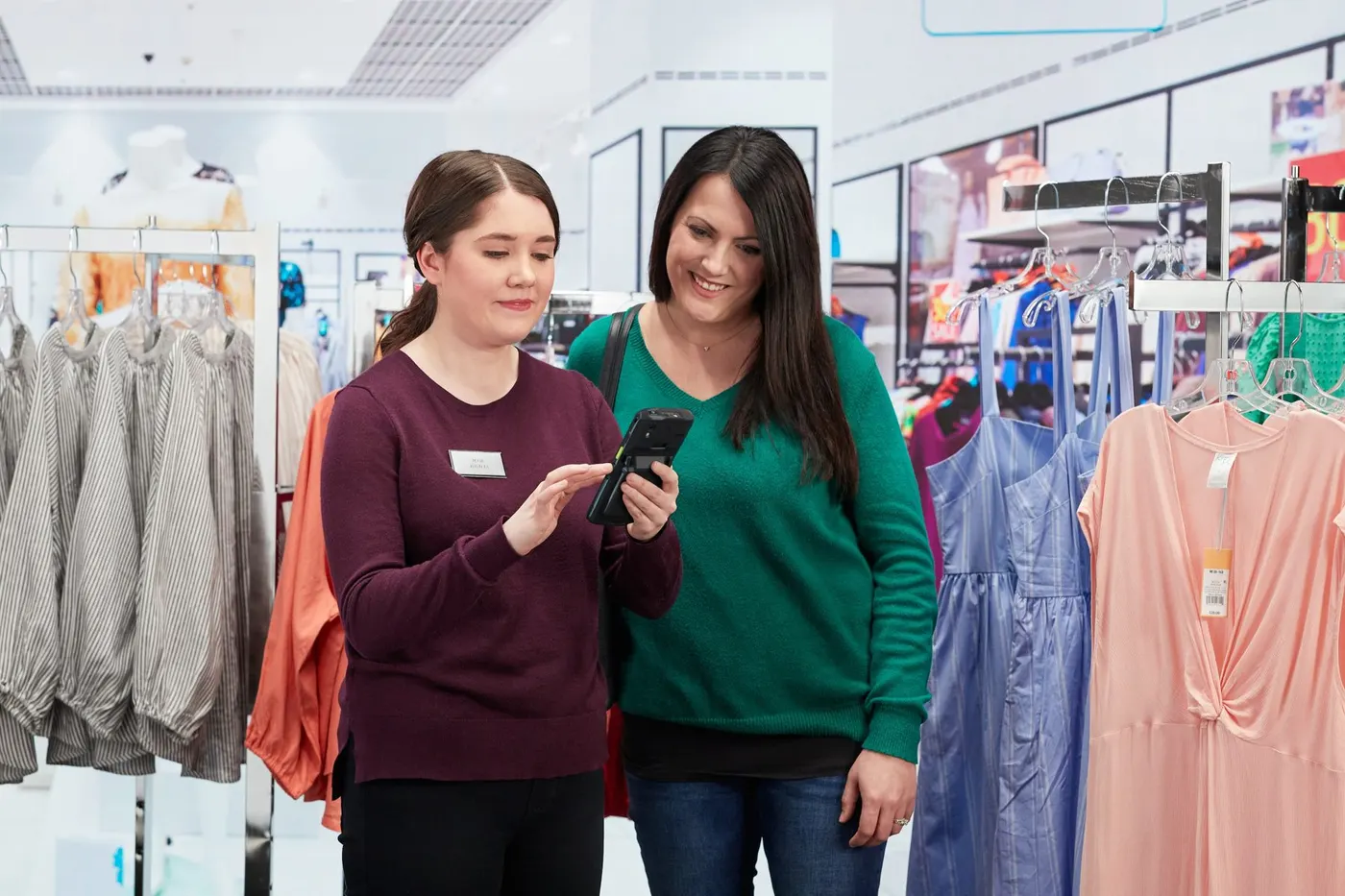
In many distributor showrooms an order lives two lives. First, the consultant jots it down next to the customer, on paper or in a phone. Second, someone else retypes it into the ERP system. That is double entry, and when we talk about showroom ERP integration and customer order management, it is the problem we tackle first.
Retyping looks like a simple office task, but the consequences run through the whole chain:
A wrong code, or a quantity in the wrong unit (square metres instead of packs), and the warehouse prepares something other than what the customer asked for.
The order enters the ERP when the person retyping it gets to it, not when it was issued.
The till does not know what has been picked, and the ERP hears about the payment late, sometimes only at the end of the day.
Nobody can say exactly where their order is right now.
The idea is simple: the order is created once, on the consultant's terminal, and goes on from there by itself. Along the way, information moves in both directions.
The consultant builds it with the customer, on the terminal.
It goes at once and in full: customer, products, warehouse, code.
The ERP sends the signal when the goods are ready.
The customer sees the code and a message that they can pay.
The code is scanned and the order loads by itself.
The payment and the fiscal receipt go back to the ERP.
The steps and the data sent are described in detail on the ERP integration page.
Before choosing a showroom module, check what your ERP can offer. The module connects over web services or JSON, so the first thing to find out is which of the two is available. After that:
You do not have to answer all of this alone: at the demo we go through these questions together, on your company's data.
Any integration must allow for outages. Here, sending is retried automatically until the order is accepted, and every exchange stays in the log. Instead of "I think it arrived" you have evidence: what was sent, what was received and when. A log like this also makes it easier to settle disputes between the showroom, the warehouse and accounting.
The flow above is the "ERP, picking, payment" scenario, which fits when goods are prepared in the warehouse. If goods are taken straight from the showroom, the order can enter the ERP only after payment: the "Payment, then ERP" scenario. The difference is explained in the guide to payment modes. The scenario is chosen at implementation and can be changed in settings.
The consultant loses the paperwork; the warehouse receives the order with the same data the customer saw (see the warehouse side); the cashier is left with one code and one receipt; accounting sees the payment immediately. For other links between our solutions and external systems, see wms.md.
From the sample on the floor to the ERP order: what is scanned, what the consultant sees, where errors usually creep in and how to avoid them.
Read more →Ten questions to put to any vendor before you choose showroom software: from the sample to the till, with the ERP system and the customer screen in between.
Read more →Built-in scanner, battery for a full shift, screen, ruggedness: what to choose for showroom consultants, a terminal, a tablet or a phone.
Read more →A 30-minute conversation about your real showroom and warehouse processes, with no generic slides.