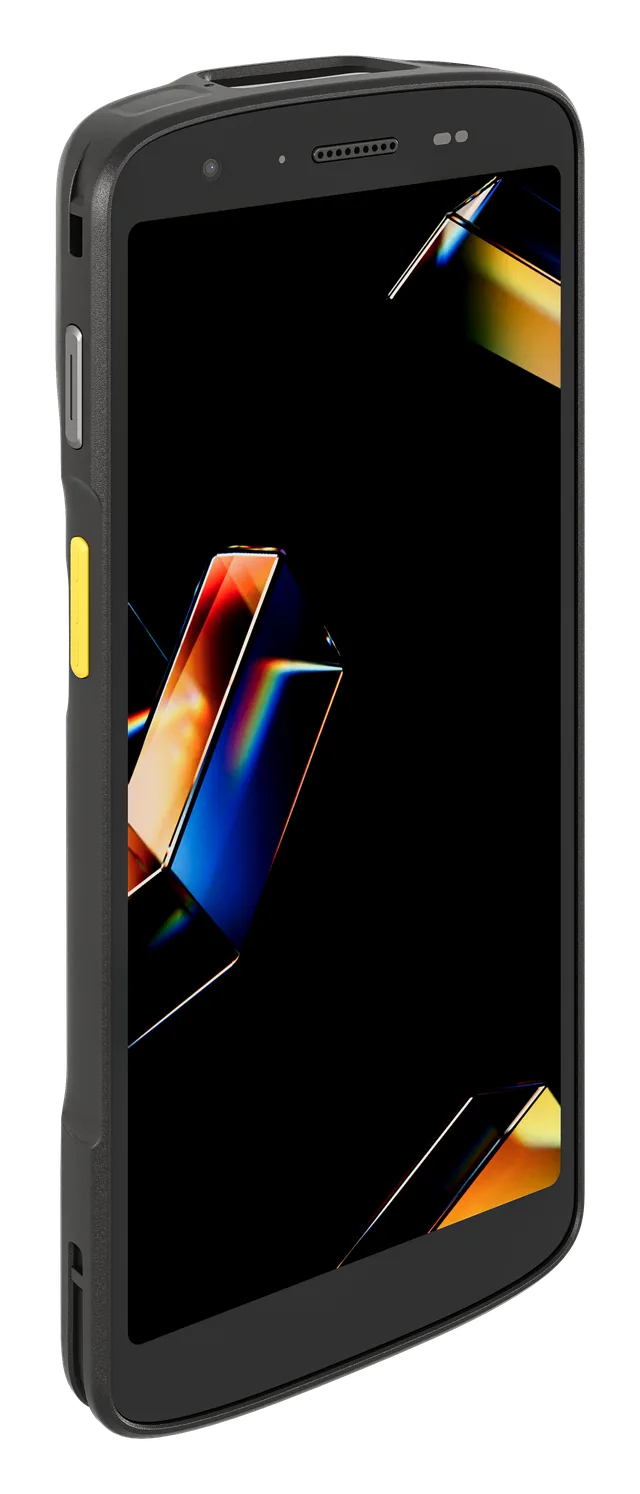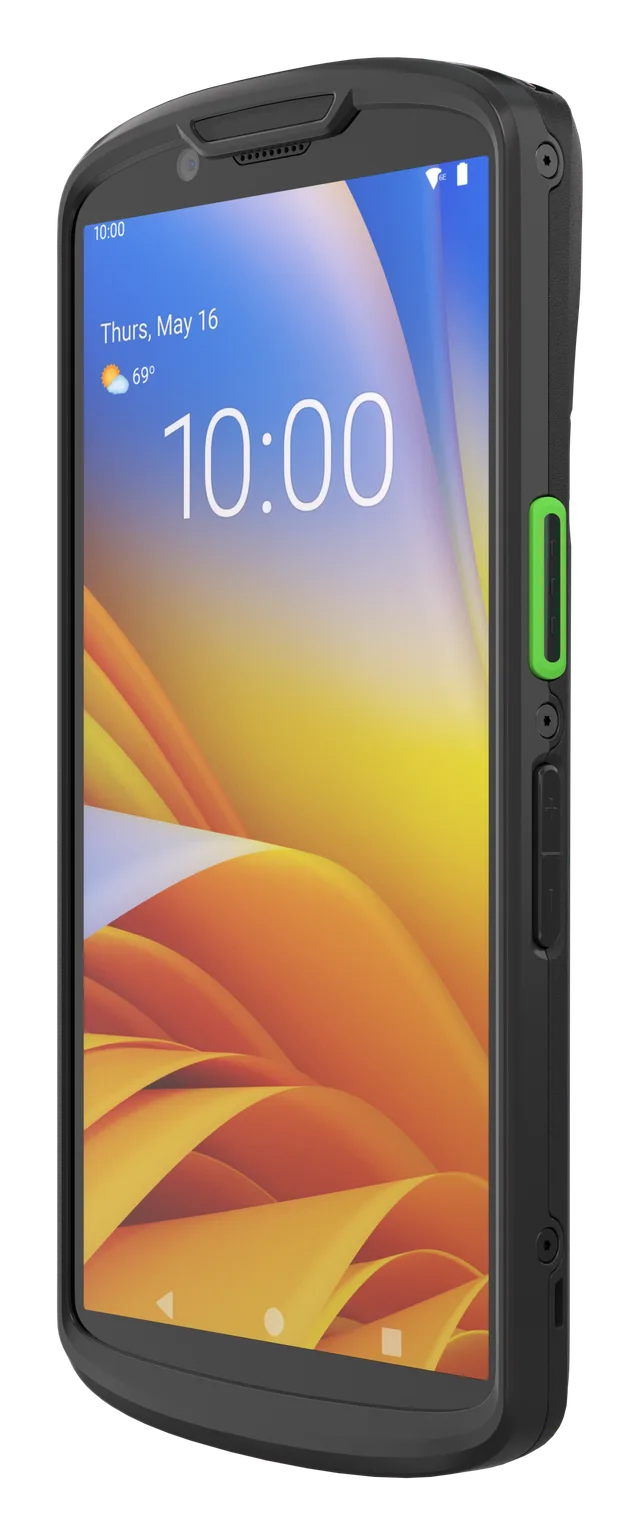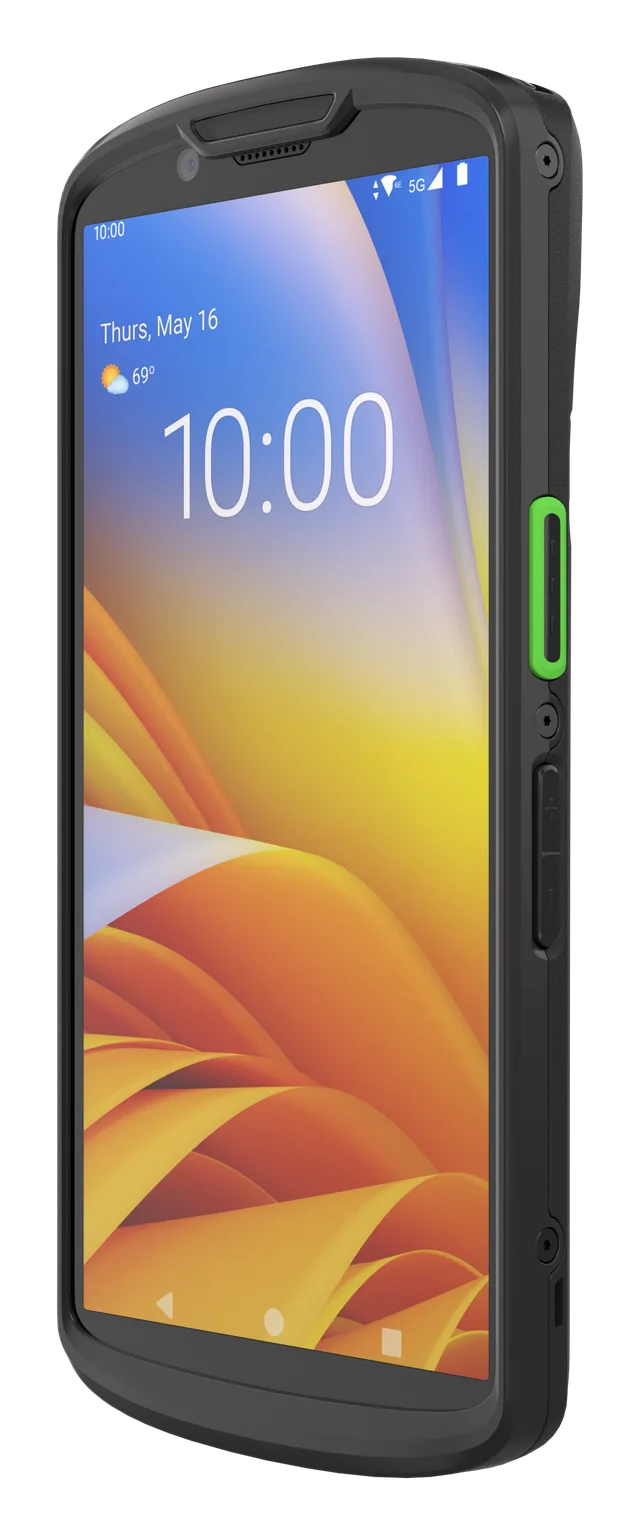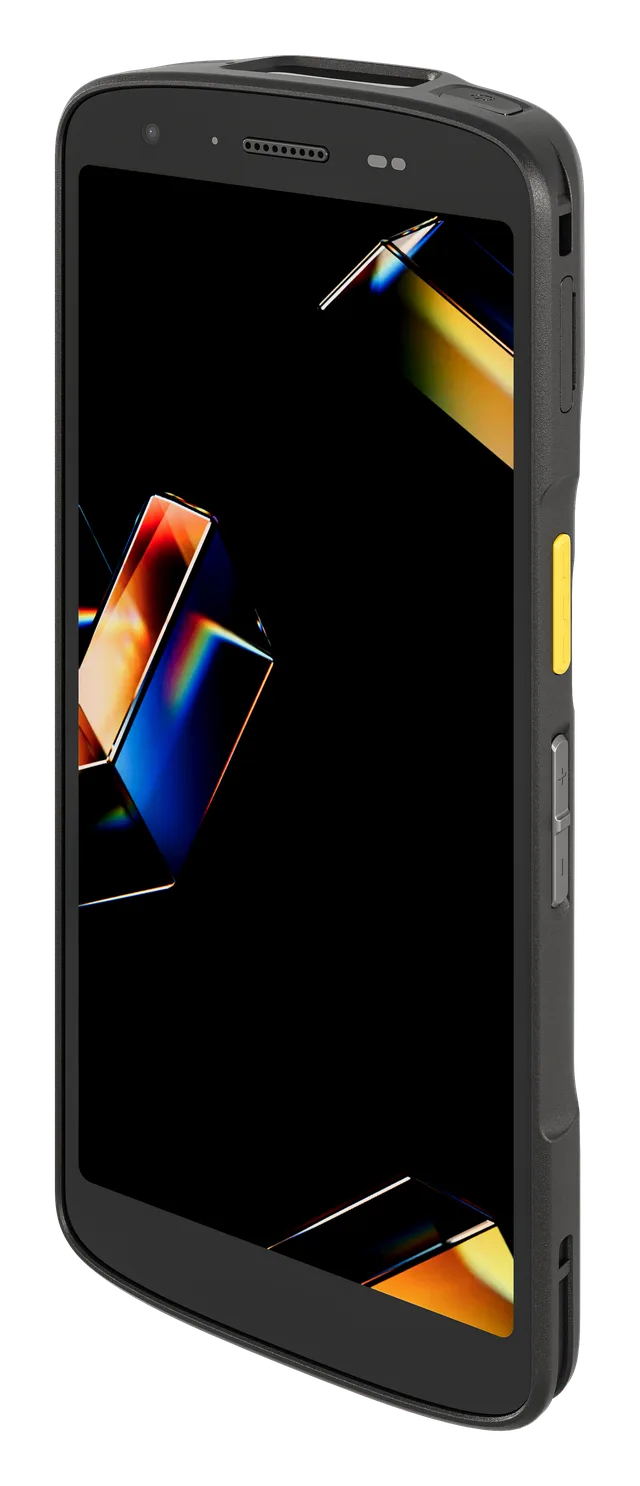
Zebra TC22
Mobile terminal with Wi-Fi 6E, a 6-inch screen and a 1D/2D scanner; IP68/IP65 protection per the product card.
View on the site →A consultant terminal, a printer for the pickup code, a checkout scanner and a customer-facing screen: what to pick for each spot in the showroom and how to decide.
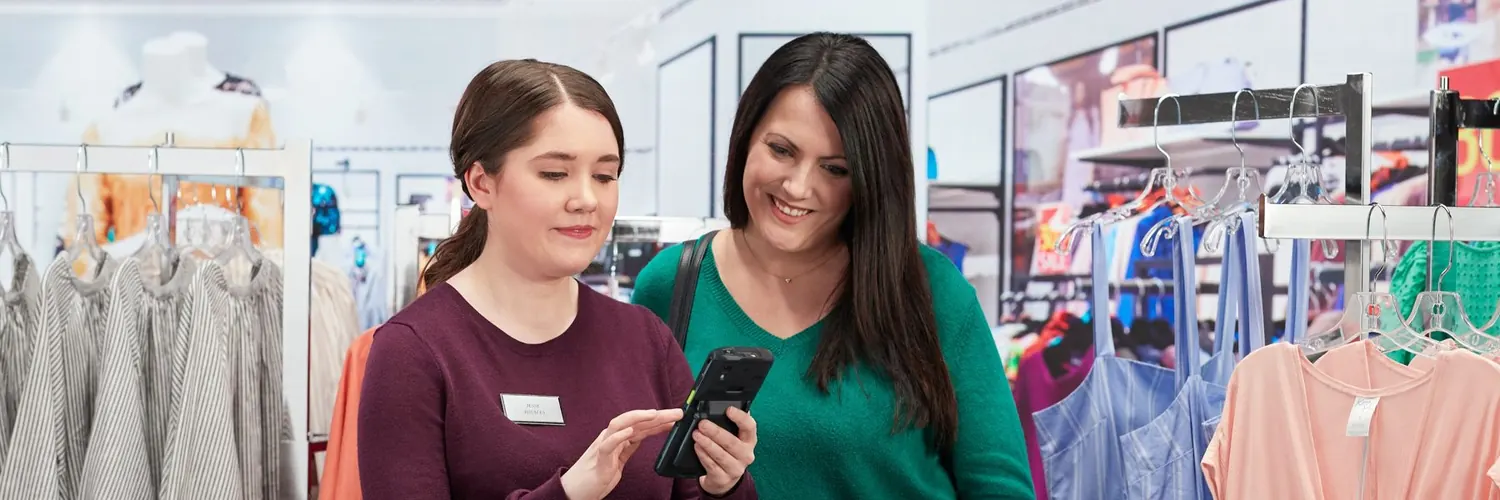
A showroom ordering setup does not need an exotic equipment fleet. Hardware shows up in four places: a mobile terminal for retail staff, a mobile label printer for the pickup code, a barcode scanner for checkout, and a screen (a PC and a TV) for the order board. Below, each one comes with its role in the showroom, the models we recommend and what to look at when choosing. How the terminal fits into the daily work is covered on the consultant terminal page.
We do not list technical specifications that have not been verified: check exact parameters (connectivity, protection rating, print width) on each product card at our partner sites. The links below lead straight there.
A consultant works next to the customer, not at a desk. With a terminal they scan a sample or a price tag, see the price and stock by warehouse, enter the quantity in the right unit (m², pieces, packs), pick the customer and create the order. Without a mobile terminal for retail staff, all of that would stay on a fixed computer, far from the shelf.
Mobile terminal with Wi-Fi 6E, a 6-inch screen and a 1D/2D scanner; IP68/IP65 protection per the product card.
View on the site →The base series for consultants, alongside the TC22; see the product card for details.
View on the site →A higher series for showrooms with tougher requirements; choose by budget and connectivity.
View on the site →Also from the higher series; see the product cards for how it differs from the TC53e.
View on the site →The full range is in the Zebra mobile terminals catalog.
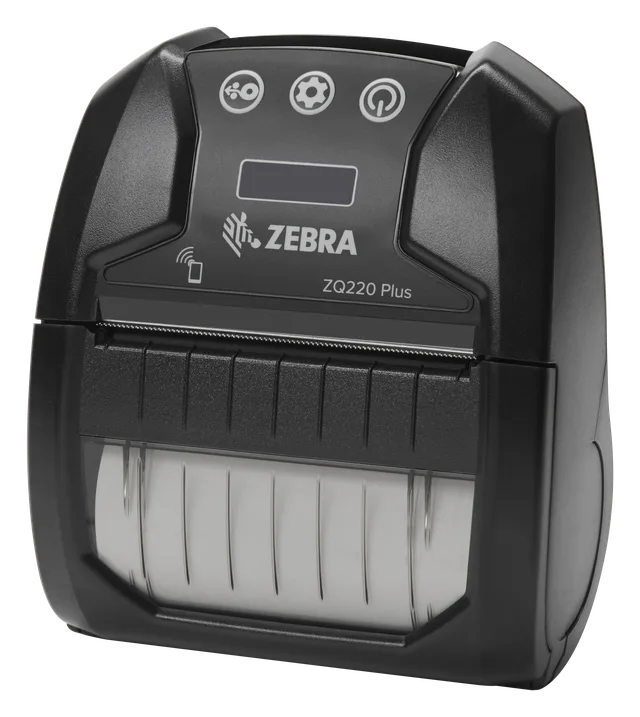
Once the order is created, it gets a short unique code with a barcode. With a mobile printer, the consultant prints the code on the spot, next to the customer, without walking back to a desk. What the code is for and how it travels is explained in the article on the pickup code. A mobile label printer covers this; for what is printed at a fixed point (labels, price tags) there are desktop printers.
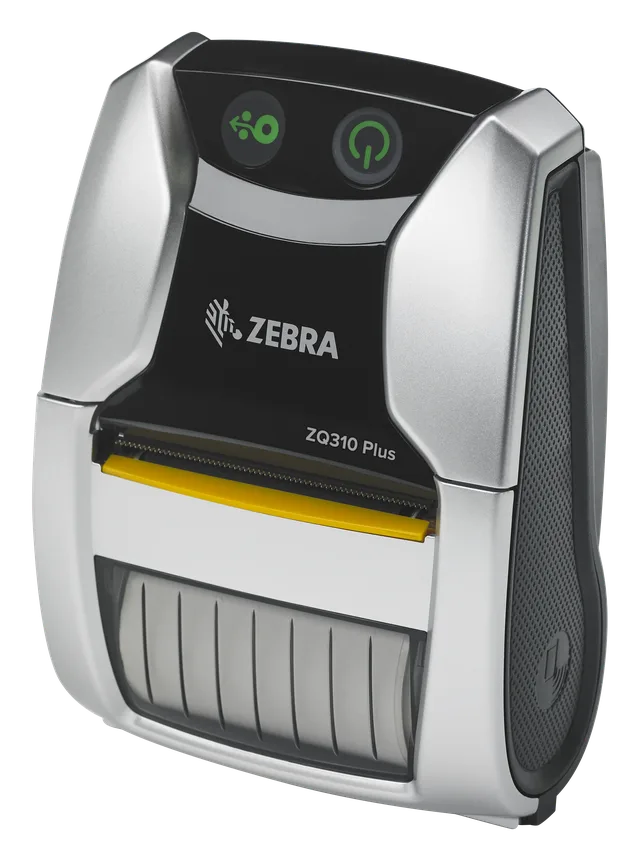
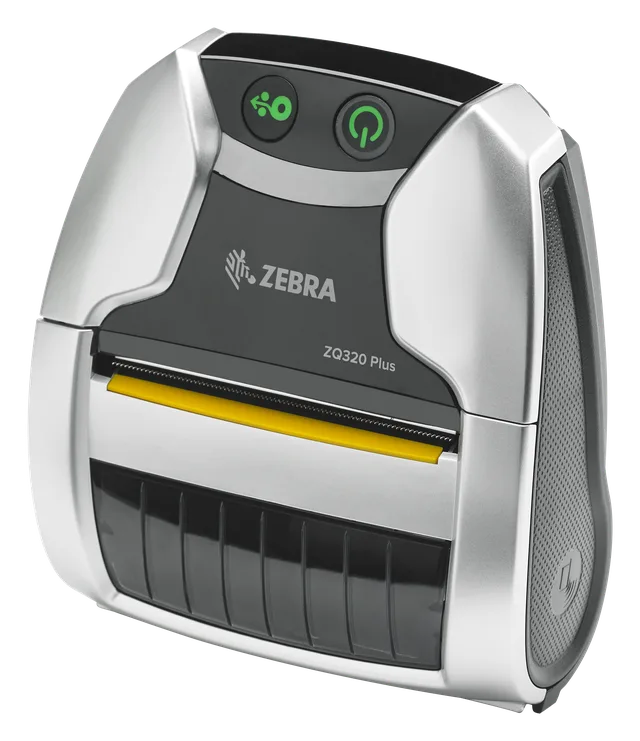
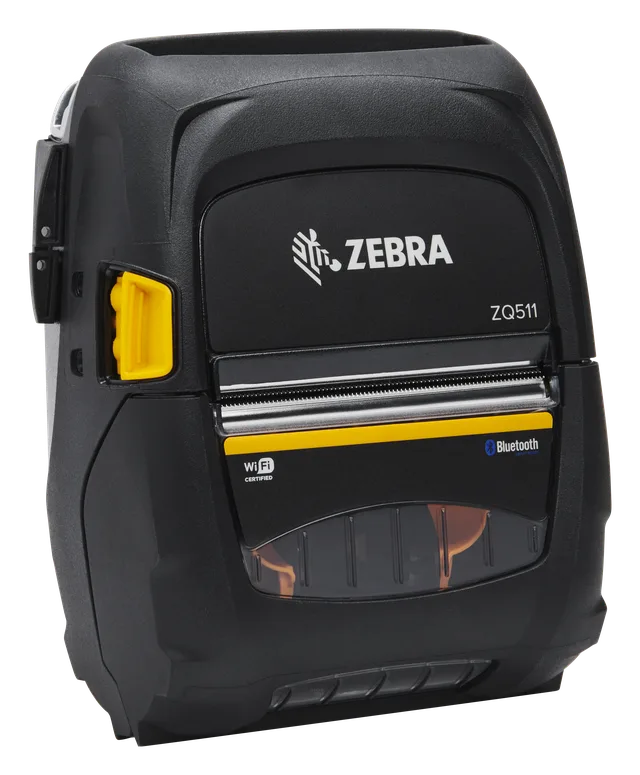
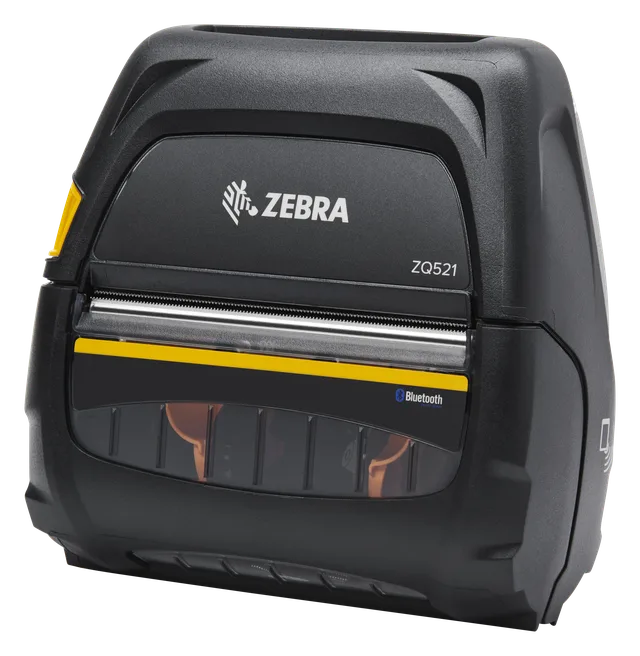
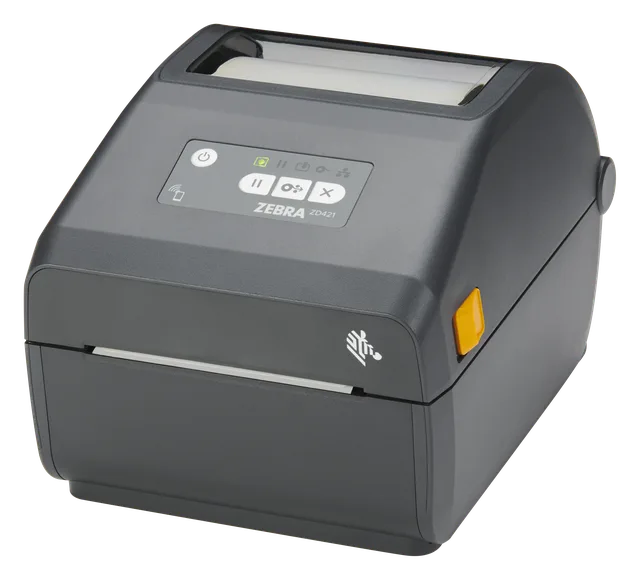
A ZQ-series mobile printer for the pickup code printed at the consultant.
View on the site →A ZQ mobile printer; check print width and connectivity on the product card.
View on the site →A ZQ-series mobile printer; compare specifications on the card.
View on the site →A mobile printer from the ZQ500 series; check print width on the card.
View on the site →A mobile printer from the same ZQ500 series; compare it with the ZQ511 on their cards.
View on the site →A desktop label and price-tag printer for a fixed point in the showroom or warehouse.
View on the site →All mobile models are in the mobile printers catalog; fixed-point ones are under desktop label printers.
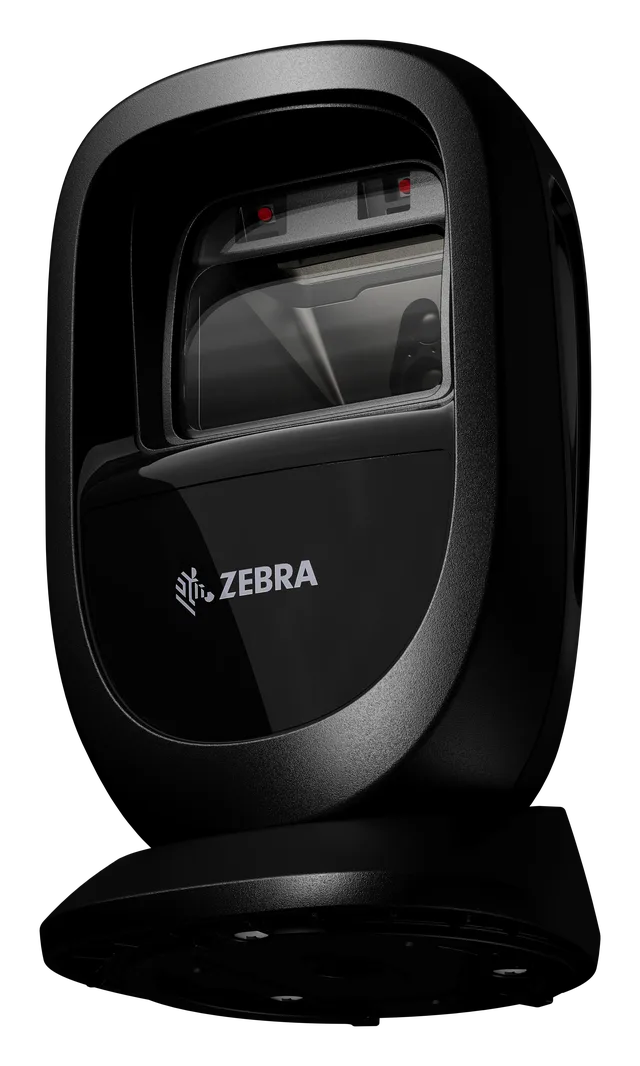
At the till the cashier scans the printed pickup code and the order appears with all its items and prices: nothing to look up by hand. For a fast flow, a presentation-style barcode scanner for checkout fits well, since it reads a code held in front of it without any button presses.
A presentation scanner for the till: reads the pickup code and codes on documents.
View on the site →Browse the range under presentation scanners.
The order board shows each order's code, name and stage on a TV, and when an order is assembled a full-screen message appears. You do not need special hardware: any PC or mini PC with a browser and a TV with an HDMI input is enough. Open the /tv address on the TV, enter the code it shows in the admin area, and the screen remembers the connection.
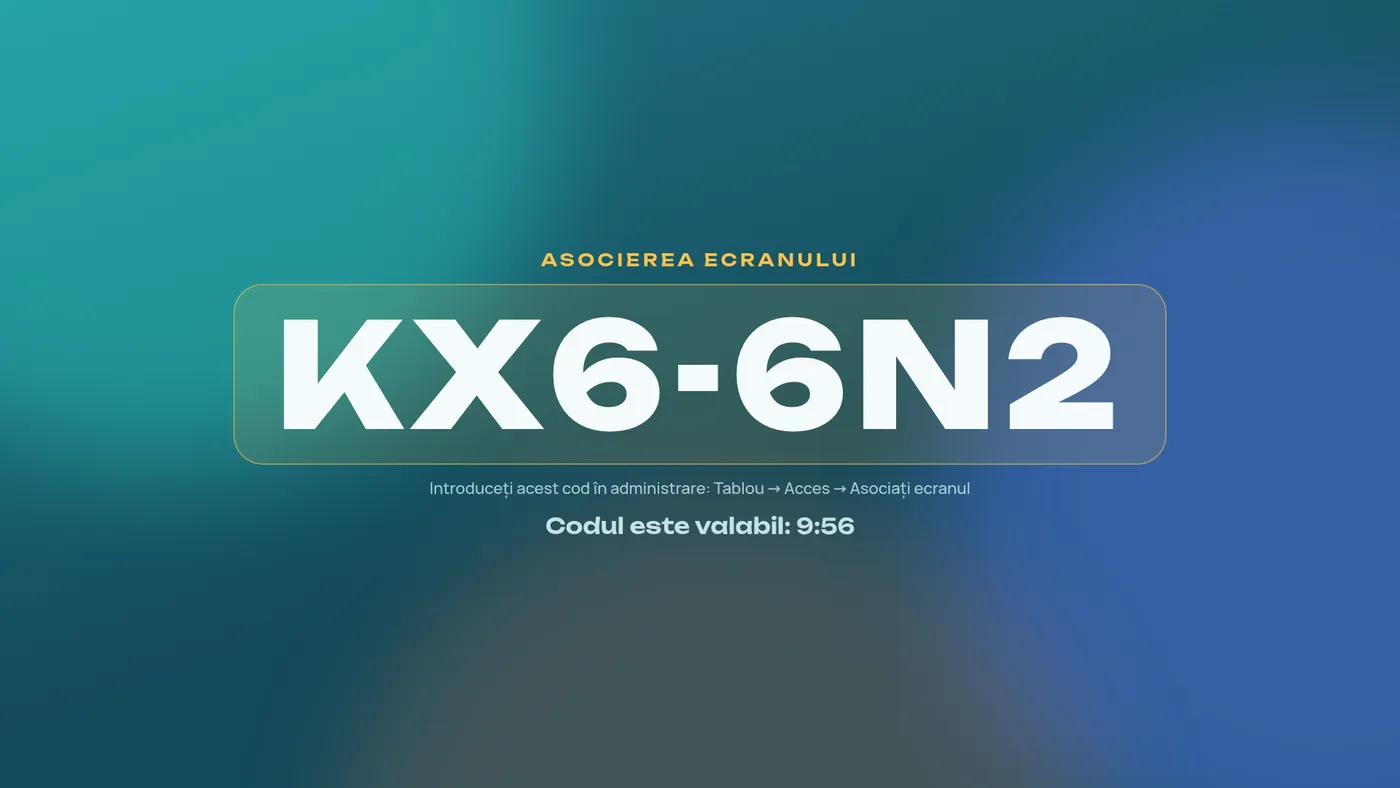
More on setup in the TV order board. General guidance on the board screen is also at wms.md/echipamente.
A 30-minute conversation about your real showroom and warehouse processes, with no generic slides.